WindStar Updates
Latest Blog Post & Articles
Keep up with the latest pieces containing your favourite topic. We have high-quality content to help you learn about technology-related issues.
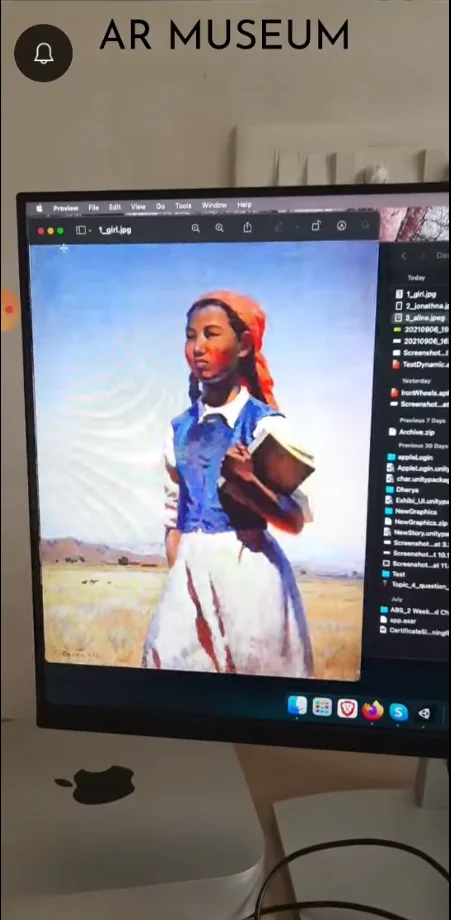
AR Museum is a marker-based augmented reality application for Android and iOS that delivers an immersive museum experience. Visitors can explore museum interiors and scan paintings or exhibits to instantly access contextual information, visuals, and digital overlays, creating a realistic and engaging AR-powered learning experience.

AR Museum is a marker-based augmented reality solution designed to enhance museum engagement by blending physical artworks with real-time digital information using mobile AR technology.
Visitors scan paintings and exhibits using AR markers to trigger precise, real-world aligned digital content.
Augmented overlays, visuals, and information enhance how users perceive and understand physical artworks.
Designed for seamless use on personal Android and iOS devices within museum environments.
AR Museum is a marker-based augmented reality application built using Unity for Android and iOS, focused on enhancing real-world museum exploration.
Users can scan various types of paintings and exhibits to instantly unlock contextual information, digital visuals, and immersive AR content layered over the physical artwork.
The application demonstrates how marker-based AR can be used as an effective educational tool, delivering realistic, engaging, and contactless museum experiences.
 Marker-Based AR ImplementationAndroid AR DevelopmentiOS AR Development
Implemented reliable AR marker recognition to ensure consistent tracking and alignment of digital content.
Optimized AR rendering and asset management to deliver smooth performance on Android and iOS devices.
Designed a minimal, intuitive UI that keeps users focused on the physical artwork and AR content.
Built a flexible content structure allowing easy expansion with new exhibits and information.
The AR Museum application is built using a Unity-based development stack optimized for marker-based augmented reality on mobile platforms.

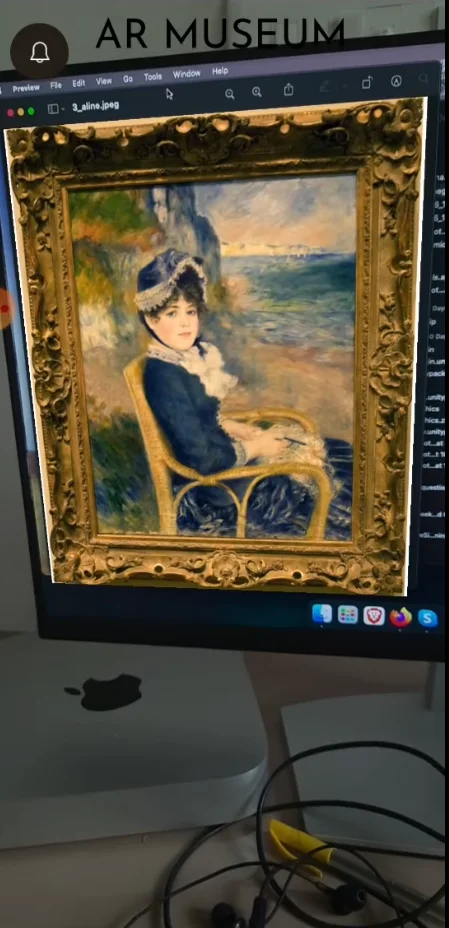
Screens showcasing marker detection, AR overlays, and real-time information displayed over physical artworks.
A straightforward AR interaction flow designed for real-world museum use.
Users open the AR Museum app on their Android or iOS device inside the museum.
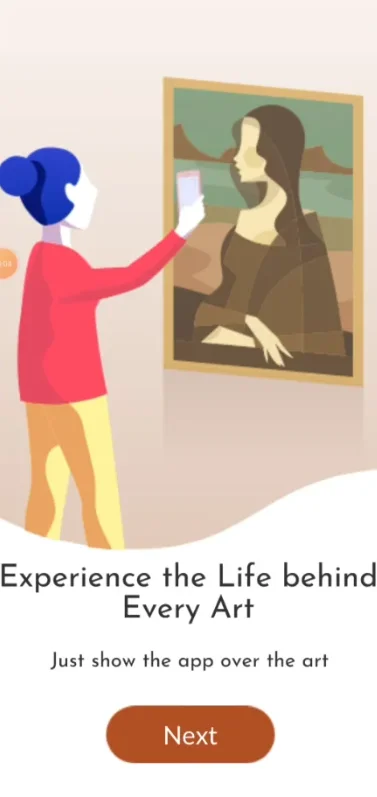
The camera scans a marker placed near the artwork to activate AR content.
Artwork details, visuals, and contextual information appear as immersive AR overlays.
Find quick answers about our game development services and production process at Windstar Games.
We deliver bespoke 2D/3D game development, VR/AR experiences, cross-platform app development, WebGL projects, and Metaverse environments, using Unity, Unreal Engine, and the latest game engines.

Yes, we design tailored AR/VR games using ARKit, ARCore, Unity, Unreal Engine, and leading VR platforms like Meta Quest and HTC Vive.

Yes, we provide continuous post-launch support, QA testing, and performance optimization for all our applications, along with deployment assistance.
We deliver for iOS, Android, Apple VisionOS, Meta Quest, MacOS, Windows, WebGL, HoloLens, and more.
We follow a full-cycle development process including discovery, game design, collaboration, project kick-off, testing, and ongoing live service support.

Windstar Games – A global game and app development company delivering game design, 2D/3D development, QA testing, game publishing, animation, AR/VR experiences, AI-driven gameplay, gamification systems, and cross-platform app solutions. From AAA productions to indie projects, we craft immersive experiences that captivate players worldwide.